
 Image 1 of 1
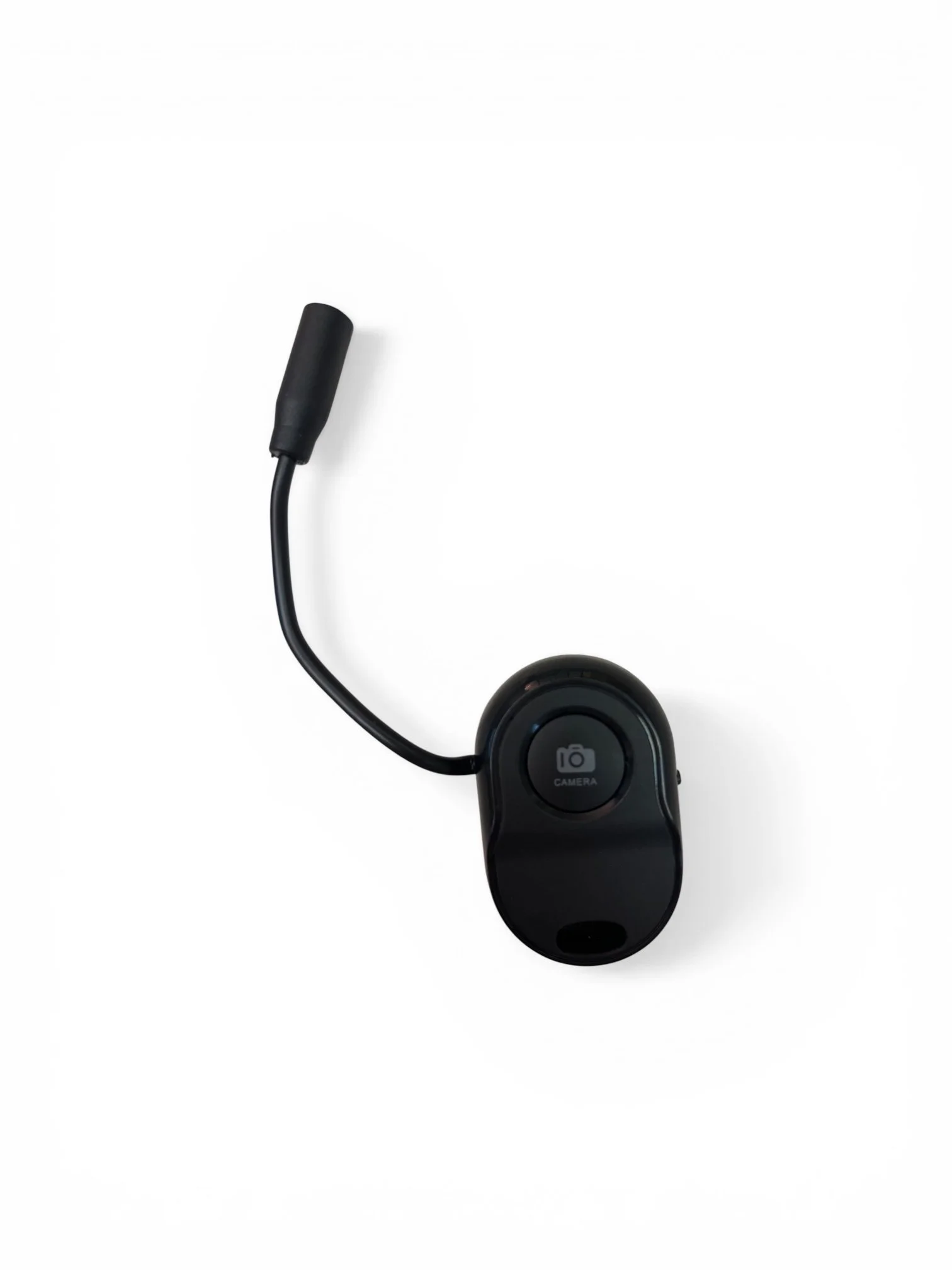
Take photos and videos remotely using your accessibility switch with this Switch-Adapted Bluetooth 5.0 Wireless Shutter Button. Designed for ease of use and accessibility, this device allows switch users to trigger a smartphone or tablet camera from up to 50 feet away—perfect for independent photography, group shots, and hands-free recording.
The shutter connects directly to your device via Bluetooth—no app required. Once paired, simply open your device’s native camera app and press your connected accessibility switch to capture photos or start and stop video recording.
Switch-adapted design for use with accessibility switches
Bluetooth 5.0 connectivity for fast, reliable pairing
Up to 50 ft (15 m) wireless range
No app required for most devices
Remote photo and video control
Compatible with:
iPhone, iPad, and iPod running iOS 5.0 or later
Most Android phones and tablets running Android 4.3 or later
Works with most camera applications
Note: Not recommended for Windows Phones or Blackberry devices.
Turn on the shutter button and pair it with your device via Bluetooth.
Open your device’s camera app.
Press your connected accessibility switch to take a photo.
For video, switch the camera app to Video mode.
Press once to start recording
Press again to stop recording
When connected via Bluetooth, the shutter button acts as the active input device. This may conflict with other Bluetooth input devices such as Bluetooth keyboards. Disconnect the shutter button if you need to use another Bluetooth input device.
On some Android devices where the shutter control does not work with the default camera app, you may need to install Camera360 and enable the “Volume Button = Take Photo” option in the app’s camera settings.
This switch-adapted shutter button provides a simple, accessible solution for remote photography, helping users capture moments independently and with ease.
Take photos and videos remotely using your accessibility switch with this Switch-Adapted Bluetooth 5.0 Wireless Shutter Button. Designed for ease of use and accessibility, this device allows switch users to trigger a smartphone or tablet camera from up to 50 feet away—perfect for independent photography, group shots, and hands-free recording.
The shutter connects directly to your device via Bluetooth—no app required. Once paired, simply open your device’s native camera app and press your connected accessibility switch to capture photos or start and stop video recording.
Switch-adapted design for use with accessibility switches
Bluetooth 5.0 connectivity for fast, reliable pairing
Up to 50 ft (15 m) wireless range
No app required for most devices
Remote photo and video control
Compatible with:
iPhone, iPad, and iPod running iOS 5.0 or later
Most Android phones and tablets running Android 4.3 or later
Works with most camera applications
Note: Not recommended for Windows Phones or Blackberry devices.
Turn on the shutter button and pair it with your device via Bluetooth.
Open your device’s camera app.
Press your connected accessibility switch to take a photo.
For video, switch the camera app to Video mode.
Press once to start recording
Press again to stop recording
When connected via Bluetooth, the shutter button acts as the active input device. This may conflict with other Bluetooth input devices such as Bluetooth keyboards. Disconnect the shutter button if you need to use another Bluetooth input device.
On some Android devices where the shutter control does not work with the default camera app, you may need to install Camera360 and enable the “Volume Button = Take Photo” option in the app’s camera settings.
This switch-adapted shutter button provides a simple, accessible solution for remote photography, helping users capture moments independently and with ease.